Remote monitoring has moved from a nice extra to a buying requirement. Through late October 2026 the trend pushing operators toward distributed, controllable power has only sharpened - Power Engineering International's coverage of the Black Hills 564 MW build and 2.1 GW microgrid managed for a Google data center in Wyoming (dated around 2026-10-26), and the Google-Voltus virtual power plant deal reported the same week, both show asset owners wanting to see and control standby generation from a single screen. That is exactly what remote monitoring promises. This guide tells you what it actually delivers, which connection and protocol you should specify, how to verify a supplier's claim before you pay, and the signs that an offer is not worth taking.
What does remote generator monitoring actually do?
The short answer: it reads the generator controller over a communication link and shows you status, alarms and history without anyone standing next to the machine. The hard facts buyers miss are the limits. Monitoring reads engine and electrical parameters - rpm, voltage, frequency, oil pressure, coolant temperature, battery voltage, fuel level, run hours and fault codes - and pushes alarms by app, SMS or email. It does not repair the set and, by itself, it does not start or stop it; remote start/stop is a separate capability you must ask for by name. The data has to come from the controller, which is the brain of the set (our guide to verifying the control panel covers what that unit should expose: https://linkpowergenset.com/en/news/generator-control-panel-verification/). No controller data, no monitoring - so the first question is never 'does it have an app' but 'what does the controller actually report.'
Does a remote monitoring add-on mean my fleet is 'managed' out of the box?
Usually not, and this is the gap most buyers fall into. A dashboard that shows a red alarm is not the same as a team that fixes the fault, and 'monitored' is not 'managed.' Real fleet management needs the same protocol across every set, a single login for all sites, user roles so your technician sees controls your client does not, and historically stored data you can query months later. Many cheap add-ons give you one set, one phone app and no export. Be skeptical of any 'fully managed fleet' wording; ask for the written feature list and you will usually find monitoring only. The point is not to reject the feature - it is to price and plan for what is actually included.
Which connection and protocol should I specify?
Specify the link your site actually has, because a monitoring system is only as good as the path it rides. The verifiable, industry-standard options are Modbus/RTU or Modbus/TCP carried over RS-485 or Ethernet from the controller; cellular (4G/LTE or GPRS) where no wired network reaches, which is the normal case for unmanned telecom and mining sites (https://linkpowergenset.com/en/applications/telecom/, https://linkpowergenset.com/en/applications/mining/); and SNMP or an HTTPS API when the set must feed a building management or network operations center. The trap is a supplier who offers only Wi-Fi or a closed app with no export - that works in a demo and fails on a ridge with no signal. Ask for the protocol list in writing and confirm the data is yours to pull, not locked inside their cloud.
How do I verify a supplier's remote monitoring before buying?
Make the offer answer eight questions, and refuse to accept 'it has an app' as an answer to any of them: (1) Controller data - which controller, and exactly which parameters it reports (https://linkpowergenset.com/en/news/generator-control-panel-verification/). (2) Connection - cellular, Ethernet or both, matched to your site. (3) Alarms - the actual list: low fuel, fault, over-temperature, battery failure, missed start; can you edit it? (4) History - how long data is stored and whether you can export CSV or call an API. (5) Access - web and app, multi-user, and read-versus-control roles. (6) Remote control - is start/stop included, or monitor-only? (7) Availability - ask the supplier for past uptime or an SLA; no fixed figure belongs in a spec sheet you did not measure. (8) Data ownership and security - where it is stored and who can see it. A supplier that builds and configures complete sets states these in one document (https://linkpowergenset.com/en/products/). One that cannot is asking you to discover the gaps after commissioning.
When should I walk away from a remote monitoring offer?
Walk away, or pause hard, if the supplier: offers only Wi-Fi on an unmanned site; will not document the protocol; gives you alarms you cannot edit; deletes or locks history after 30 days; claims remote start/stop but it is absent from the written spec; traps your data in a proprietary cloud with no export; provides no statement on where data is stored or who can access it; or sells monitoring as a substitute for the emission, CE or noise certificates your market requires - it is not. Any one of these missing in writing is enough to walk. Monitoring is a visibility tool, not a compliance certificate and not a service contract, and a supplier who blurs those lines is the one most likely to leave you blind when a set fails at 3 a.m.
The practical takeaway
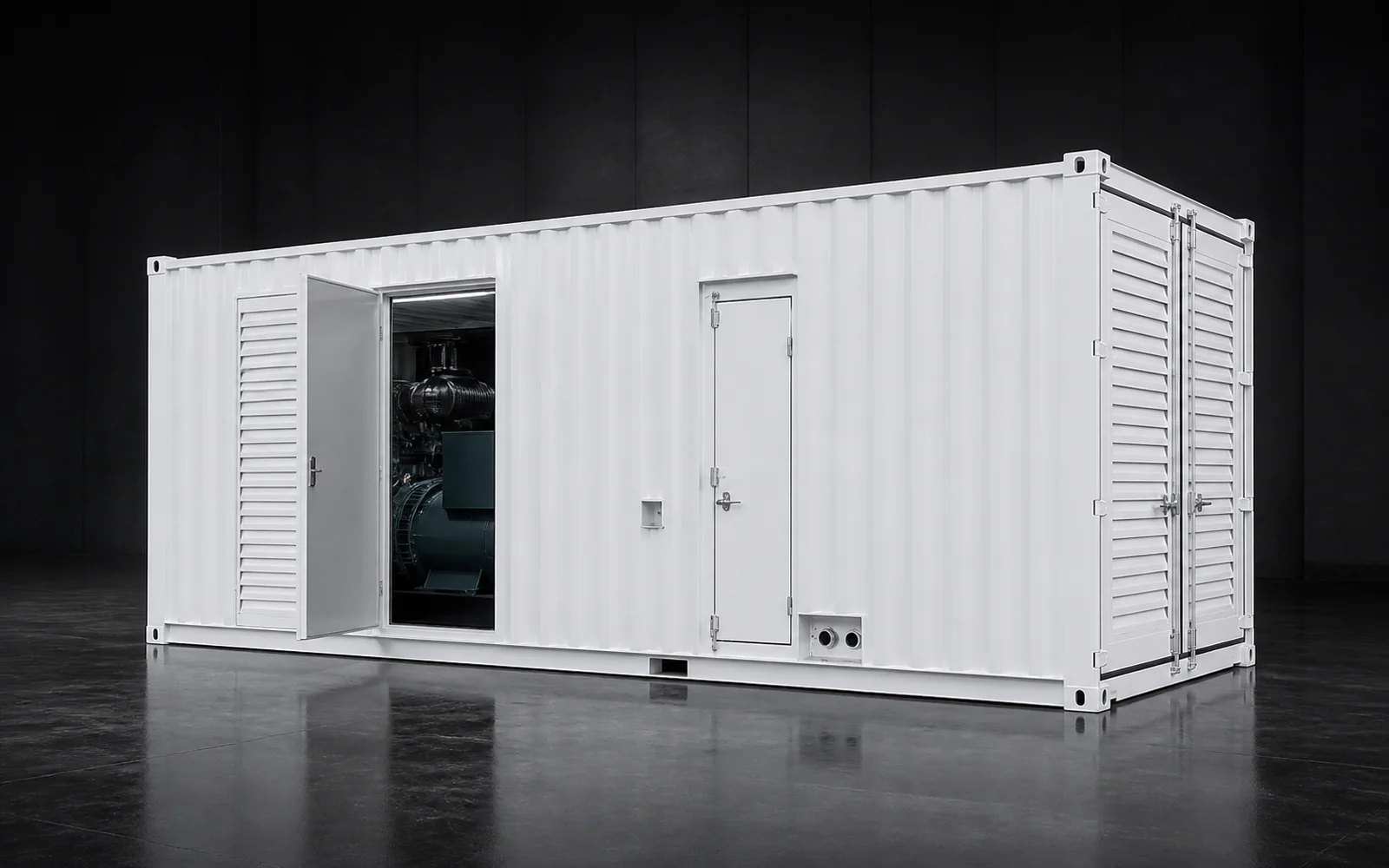
Treat remote monitoring as a specification, not a checkbox. Confirm the controller exposes the parameters you need, match the connection to the site, get the alarm list and history export in writing, and separate monitor-only from remote control before you compare prices. Remote monitoring does not certify emission stage or sound level - request those documents separately and put them in the contract. LINKPOWER builds diesel generator sets as complete packages - open, silent, mobile-trailer and containerized formats across Weichai, Yuchai and SDEC engines (https://linkpowergenset.com/en/products/, https://linkpowergenset.com/en/products/weichai-diesel-generator/, https://linkpowergenset.com/en/products/containerized-power-system/) - configured to your project, with controllers that expose monitoring data and a factory acceptance and test before crating (https://linkpowergenset.com/en/factory/). Whether you run one silent set near a town or a containerized fleet across remote sites, the rule is the same: the monitoring you can verify on paper is the monitoring you can trust at 3 a.m.
FAQ
Can I monitor a generator that has no internet on site? Yes - cellular (4G/LTE or GPRS) modems are the standard answer for unmanned telecom, mining and infrastructure sites where no wired network exists. Confirm the modem and a data plan are included, and ask whether the set buffers data when coverage drops so you do not lose the gap in the record.
Does remote monitoring replace the need for on-site service? No. It tells you a fault happened and what it was; it does not fix the machine. Treat it as earlier warning that shortens your response time, not as a substitute for a named local service party and a spare-parts path - which you should still require in the contract (https://linkpowergenset.com/en/news/).
Will monitoring tell me my fuel is running low before the set stops? Only if the set reports fuel level and you have configured a low-fuel alarm with a threshold and a contact. Ask the supplier to confirm both the sensor and the alarm are in the spec, because a set without a fuel-level input simply cannot warn you.
What we need from you
Send the sites and how many sets, whether each has wired network or needs cellular, the parameters you must see, and whether you need monitor-only or remote start/stop. We return a specification that states the controller, connection, alarm list, history export and data ownership together - so you can verify the monitoring offer line by line before you sign, not after a failure. Start from the full product range (https://linkpowergenset.com/en/products/) and the factory build and test process (https://linkpowergenset.com/en/factory/).